

The beach volleyball app that takes your game to the next level.

Level up
Using the camera on your device, our AI tracks the action in real-time, generating invaluable insights and stats to help you unlock your full potential.
Automatic Stats
Analyze your game in depth with the automatically generated stats and metrics.
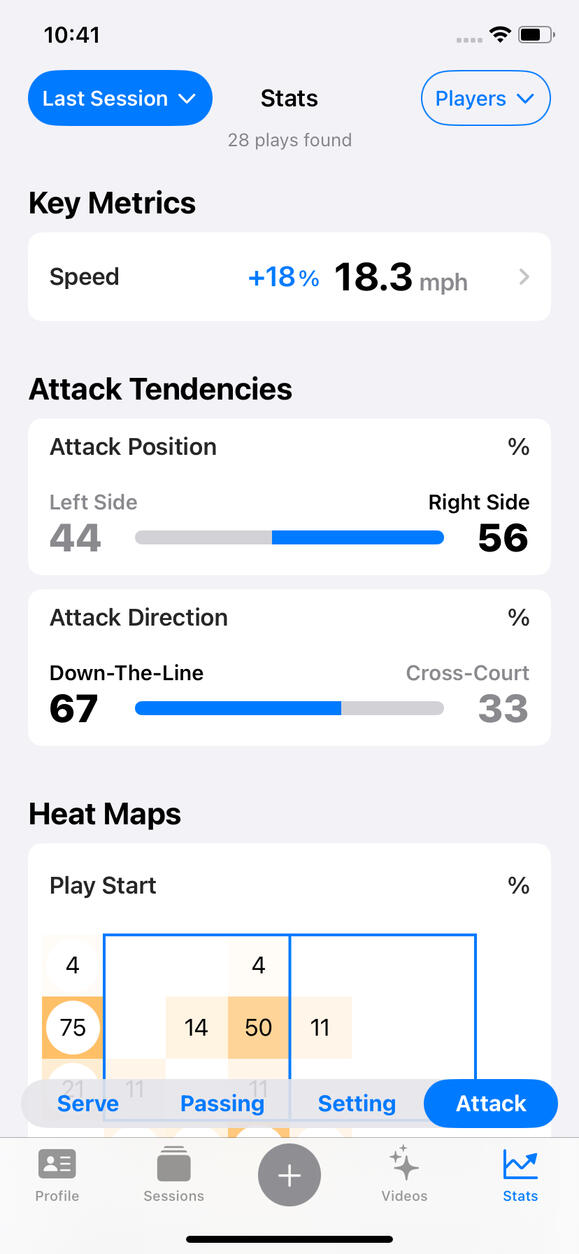
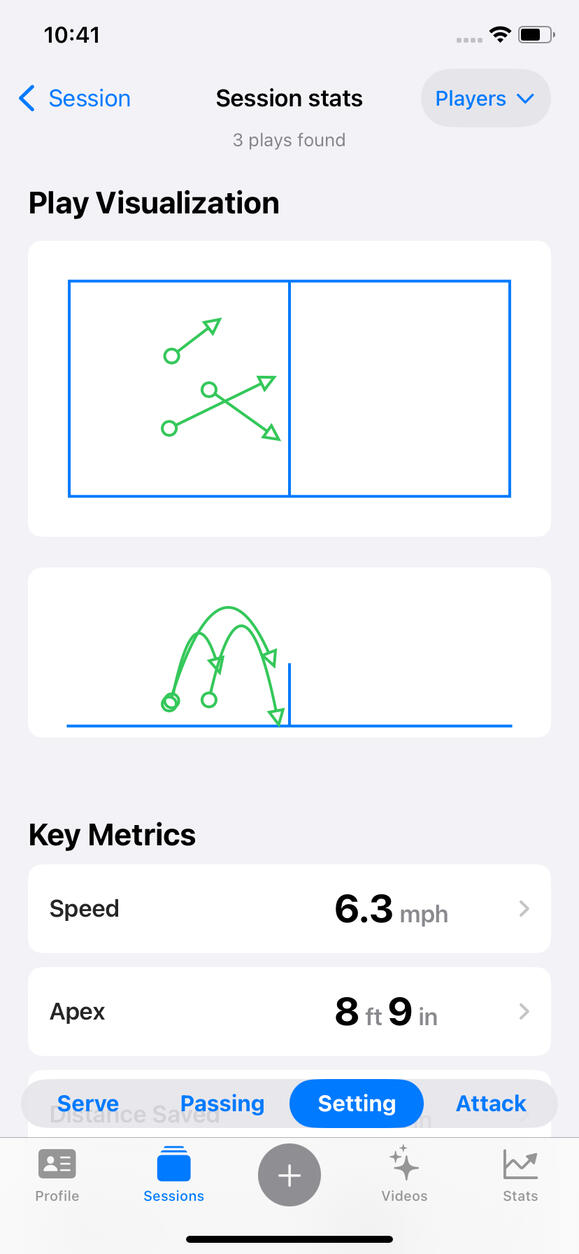
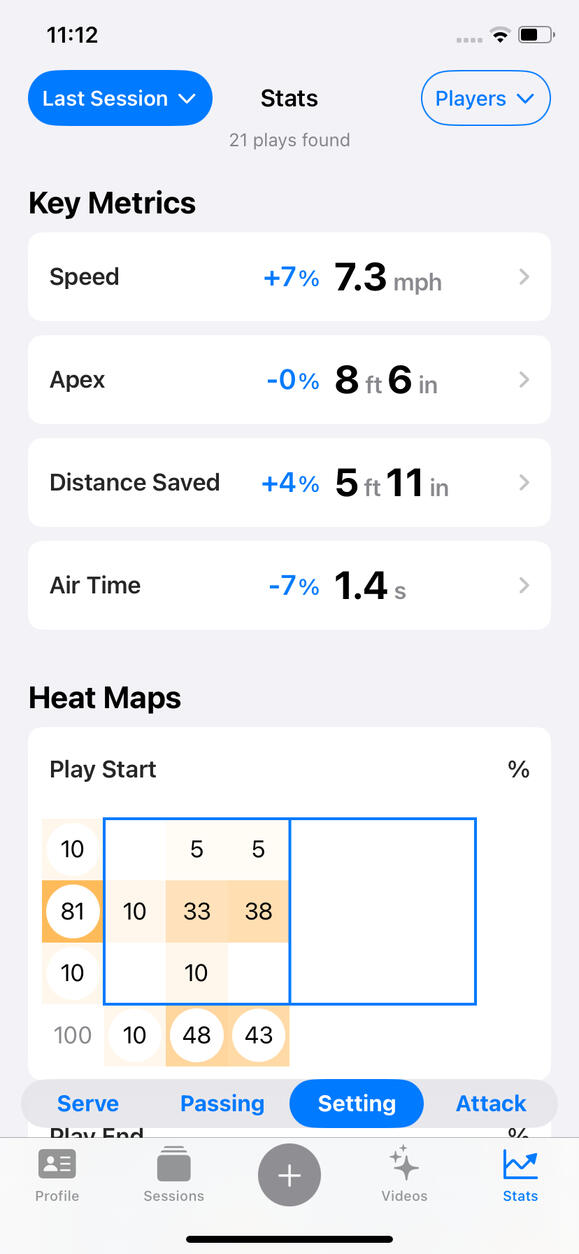
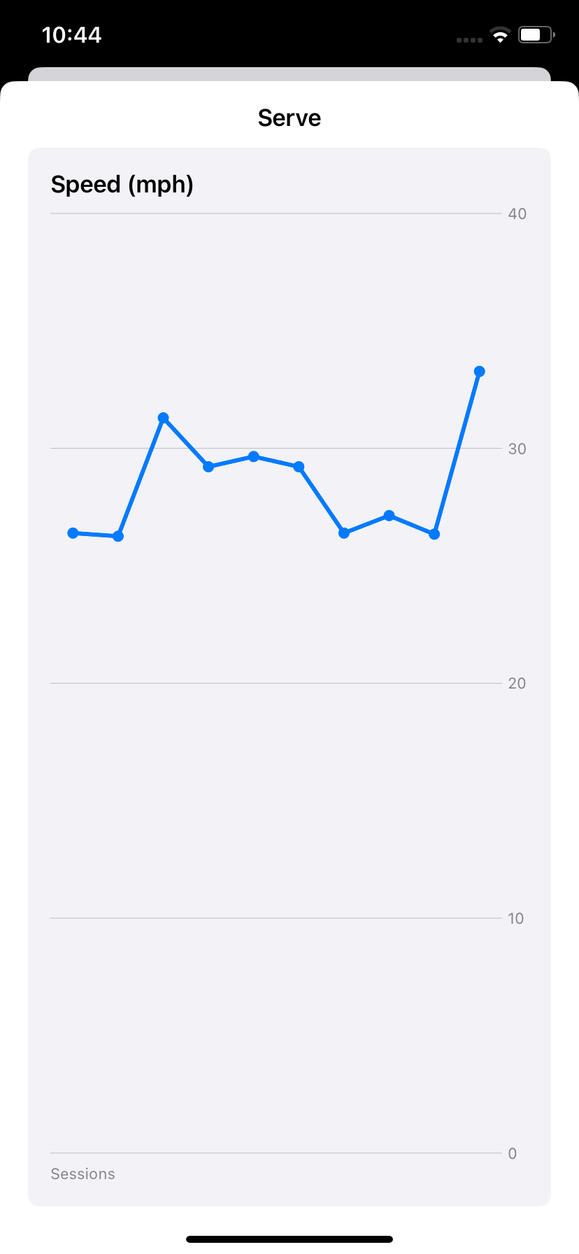
Track Your Progress
Identify the strengths and weaknesses in your game and monitor your progress over time.
Smart Video Editing
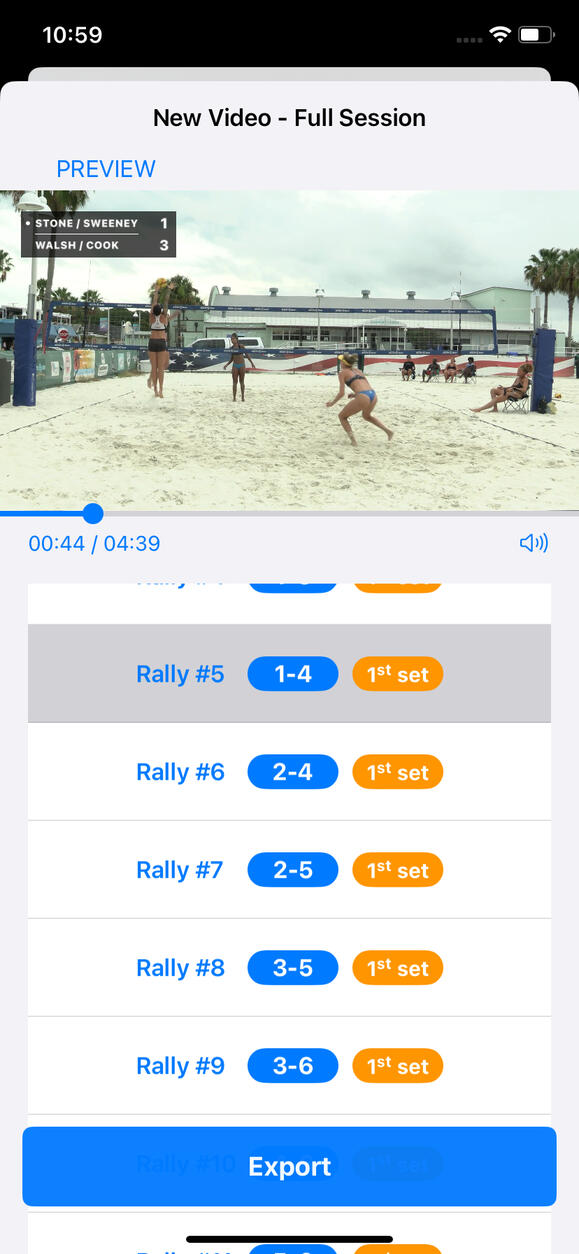
Create highlight videos fast. BeachLab automatically removes the time in between points in your beach volleyball videos. Add a scoreboard, slow-motion effect, and more, and share them with your friends!
Play Review
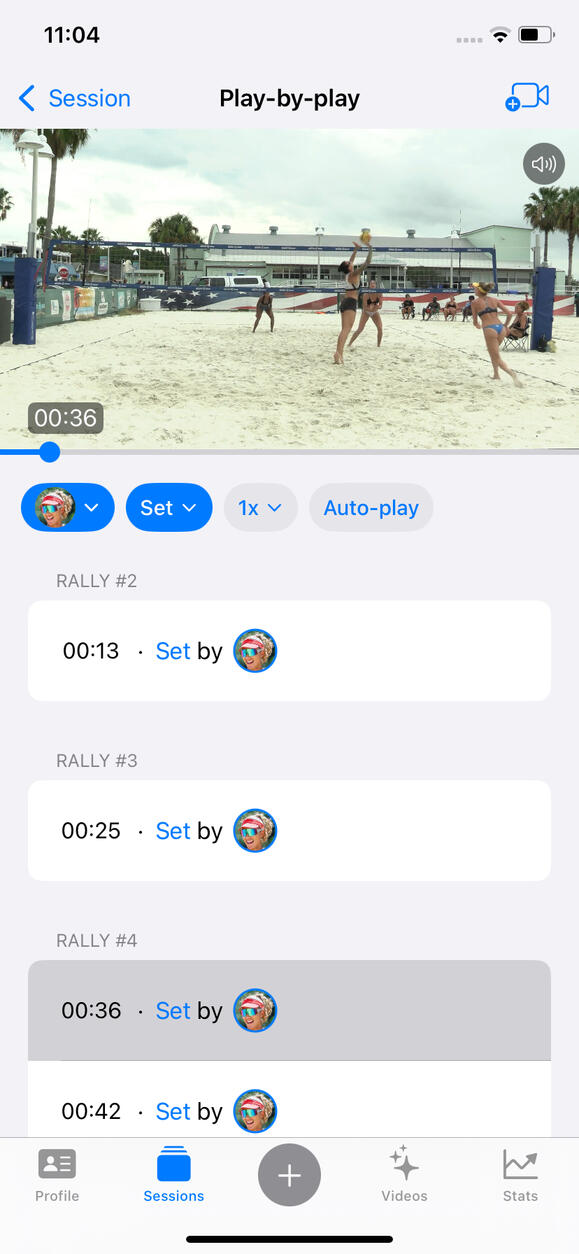
Our play-by-play breakdown allows you to quickly filter plays to focus on a specific part of your game - review all your sets in one go!
Easy Set Up
Set it up in seconds. BeachLab
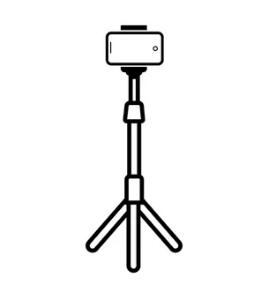
does not require sensors or special cameras. It simply uses the camera on your device. Set it up on a tripod behind the baseline and you are ready to go.

PRIVACY POLICY
1. Introduction
This Privacy Policy applies to the mobile application “BeachLab” (“the App”). The App is designed to record and import beach volleyball videos and process them with AI to provide users with breakdowns and statistics. This policy explains how your personal information is handled when you use the App, fulfilling transparency requirements for the App Store and relevant privacy laws in the EU, US, and Canada.2. Collection of Information
The App does not require registration or account creation.
No personal data is collected, transmitted, or stored by the developer. All videos, statistics, and other data produced remain on your device and are never uploaded, shared, or accessed by us.
The App does not collect sensitive data such as health, financial, biometric, or data about children.3. Device Permissions
To function correctly, the App requests access to:
Camera & Microphone: To record beach volleyball videos.
Location: To tag the location of each session/video recorded.
Photos Gallery: To access and save videos recorded or edited with the App and to import other volleyball videos.
These permissions are only used to enable app features locally on your device. No data accessed through these permissions is sent to us or any third party.4. Data Sharing and Third Parties
The App does not share your data with any third parties.
The App does not use third-party services, cloud storage, analytics, crash reporting, or advertising SDKs.5. Marketing, Tracking & Cookies
The App is not ad-supported and does not use tracking technologies, cookies, or device IDs for analytics or advertising.6. Children’s Privacy
The App is intended for users of all ages, including minors under 16/13. It does not collect or store any personal information from users.
HELP
How to set up for recording
When recording live sessions,
- Placement: Set up your tripod behind one of the baselines, as centered as possible.
- Height: Make sure your device camera is at least 1m/3ft from the ground. The higher, the better.
- Frame: Frame the court. Try to place the front baseline close to the bottom edge of the frame but still within the frame. The baseline corners will often fall out of view but that is fine.Optimal camera angle
BeachLab expects a relatively-centered, behind-the-baseline, camera angle. This is already the angle used by most players to record their games, since it covers the whole court while keeping the camera out of the way.
We don’t recommend other camera angles. If you do use other camera angles, expect a significant drop in performance.How to improve player identification, play assignment
Sometimes BeachLab will have trouble distinguishing between the different players in a game, and therefore it will make mistakes assigning plays to the right player.
The easiest solution is for the players you want stats from to wear a t-shirt in a distinctive color (no other player wears a similar color). Alternatively wearing a very distinctive hat, or pants, may also work.
If you are unable to apply any of the previous solutions (e.g. because the session was already recorded), another thing you can do to improve play assignment is to identify all players in a session (not only those you want stats from). This will help BeachLab learn the nuances between similar-looking players.Rally breakdown
Review the rally breakdown auto-generated. You will often need to make small corrections like adding rallies missed by AI, deleting false rallies, or correcting the user court position.
The score is determined by the user court position and the serving court side, so double-check these are correct if you see something wrong with the score.
The auto-generated rally breakdown will not work well with pre-edited imported videos where time between rallies have already been removed, since in that case it will have trouble separating the individual rallies, and you will need to do it manually.Scoreboard
Beachlab’s AI is able to keep the score automatically. But for now it only works for rally scoring, not for side-out scoring.Live play-tracking disabled
When temperature is too high, BeachLab disables its live play-tracking engine. Your session continues to record, so you can simply run the recorded video as an imported-video session later, once the device cools down.Not available videos
If a video you made shows a “not available” tag, it probably means you deleted it from your device Photo Library. BeachLab only has access to the videos within the library, they are not stored within the app.Further questions
If you still have any questions, to suggest new features or to report a bug, please reach us at [email protected].